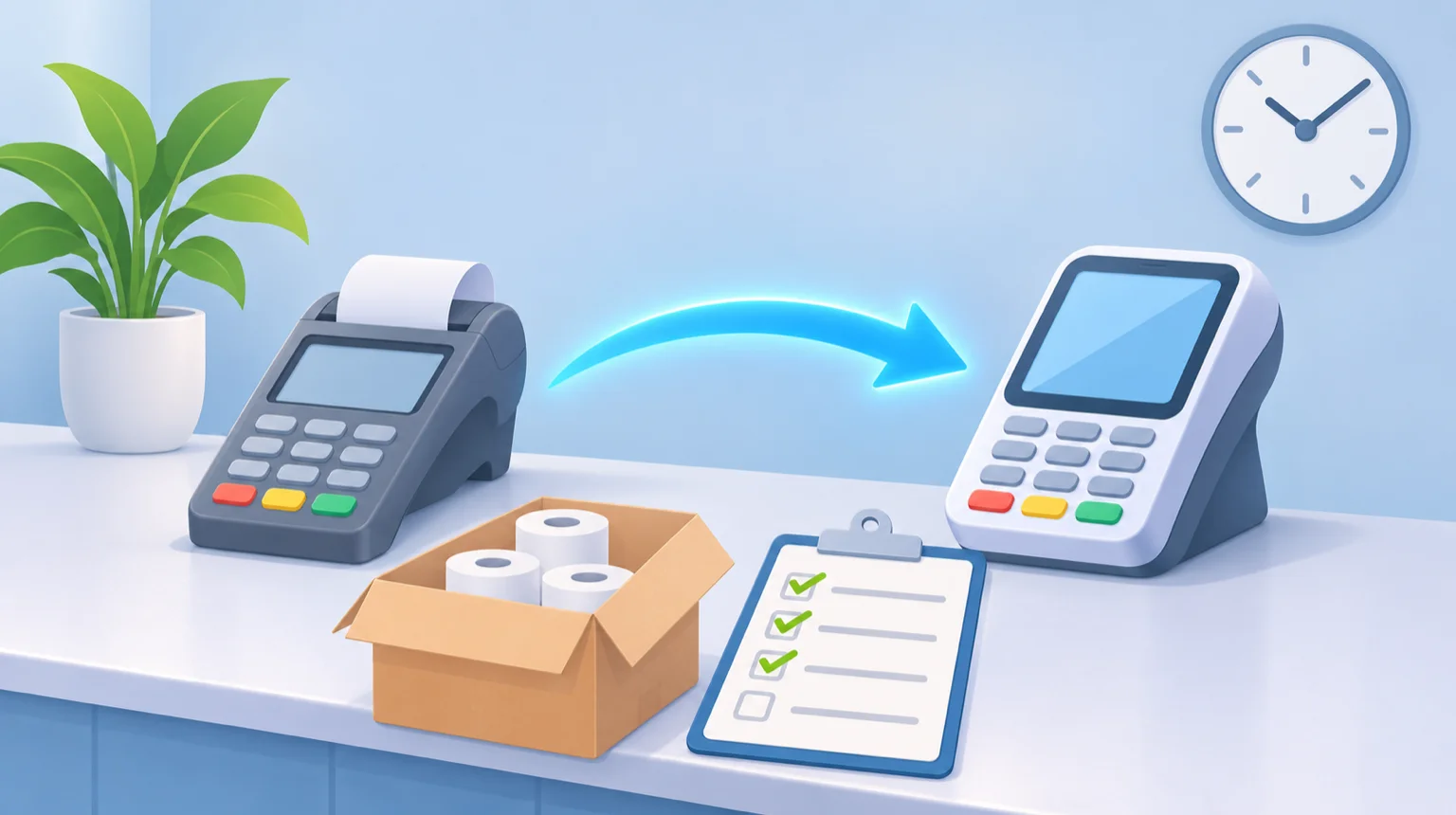
How to Switch Payment Processors Without Missing a Day of Sales
You can switch payment processors without missing a day of sales. Here is what to find out first, from exit fees to saved cards, and a calm order for the move itself.
By Tim Ryan, Founder & CEO
Founder and CEO of Blueswipe, based in Richmond, Virginia.
If you run a business and you are thinking about leaving your card processor, the worry is rarely the new rate. It is the gap: a weekend where cards do not go through, a deposit that never shows up, or a recurring customer whose saved card stops working. The good news is that it is possible to switch payment processors without missing a day of sales when the new account is set up while the old one keeps running, and nothing is cancelled until the new one has paid you. Below is what to find out first and a calm order for the move itself.
Why switching feels riskier than it is
Most of what can go wrong in a switch comes down to timing and paperwork, not technology. A contract that renews before you notice, a leased terminal that keeps billing, or an old account closed a week too early. Each of those can be checked ahead of time, which is why the order you do things in matters more than how fast you go.
Before you start: four things to find out
1. What it costs to leave your current processor
Many processing agreements include early termination fees, auto-renewals or bundled services, so it helps to know exactly when and how you can exit before you plan anything else (Stripe's guide to switching processors). Some agreements charge a flat cancellation fee, while others charge liquidated damages based on what the processor would have earned over the rest of the contract (CardFellow). Find your term end date and the exit cost, and get the answer in writing. We walk through where contract terms and equipment fees usually hide in a separate guide.
2. Who owns your terminals
If your card machine or POS hardware is leased, that lease is often a separate contract that may not be cancellable, so review it before you decide what happens to the equipment (CardFellow). If you own your terminals, ask the new processor whether they can keep running. We work with most modern terminals and 175+ POS and cart integrations, so you often keep what you already use, and any hardware you do need is quoted upfront.
3. Where your saved cards live
If you keep customer cards on file for memberships, subscriptions or payment plans, ask about them early. Some processors allow a secure transfer of tokenized card data to a new provider and others do not. If the tokens cannot move, you will need to collect those payment details again without interrupting billing (Stripe). Knowing which case you are in tells you how much lead time to give your customers.
4. How your software connects
List every system that touches a payment: your point of sale, online checkout, practice-management or billing software, invoicing or accounting tools, and anything else your team uses every day. Ask the new processor to confirm, before you sign, that each one will connect, so the switch does not turn into retyping payments by hand.
A calm order for the switch itself
- Pull your most recent processing statement. It is your baseline for comparing offers and for checking your first month afterwards. If the layout is hard to follow, here is how to read a merchant statement line by line.
- Open the new merchant account while the old one is still active. Do not cancel your existing account yet (CardFellow).
- Set up and test the new terminals or checkout before you move all of your sales. A switch works best in stages rather than all at once (Stripe).
- Go live on the new account, but keep the old one open for a while. Refunds and chargebacks need to go through the processor that handled the original sale (Stripe).
- Check your first deposits. Confirm that the card sales in your reporting match what lands in your bank account (CardFellow).
- Close the old account once everything is settled. Ask for a final processing statement, make sure nothing is outstanding, and get written confirmation that the account is closed (CardFellow).
What you can expect when you switch with us
About 14 days from the first call to your first swipe is typical, even with complex software integrations, and one specialist owns the whole process, so you are never chasing anyone. If a hardware swap actually saves you money, we handle the migration at no charge. Our merchant payment processing includes next-day funding and an assigned US-based specialist, so once you are live you have one person to call.
We do not publish one rate for everyone, because the right setup depends on your volume, average ticket and industry. Instead, send us a recent processing statement, or just your monthly volume and average ticket, and our free processing fee audit reads every fee and rate and emails you a side-by-side breakdown against our pricing models. There is no obligation, and it gives you a clear picture before you decide whether to move at all.
Common questions.
How long does it take to switch payment processors?
With us, about 14 days from the first call to your first swipe is typical, even with complex software integrations. One specialist owns the whole process, and your old account keeps running until the new one is live.
Do I have to replace my terminals or POS when I switch?
Usually not. We work with most modern terminals and 175+ POS and cart integrations, so you often keep what you already use. If a swap actually saves you money we handle the migration at no charge, and any hardware you need is quoted upfront.
Should I cancel my old processor before the new one is live?
No. Open the new account while the old one is still active, and keep the old one open after you go live so refunds and chargebacks on earlier sales can go through the processor that handled them. Close it in writing once everything is settled.