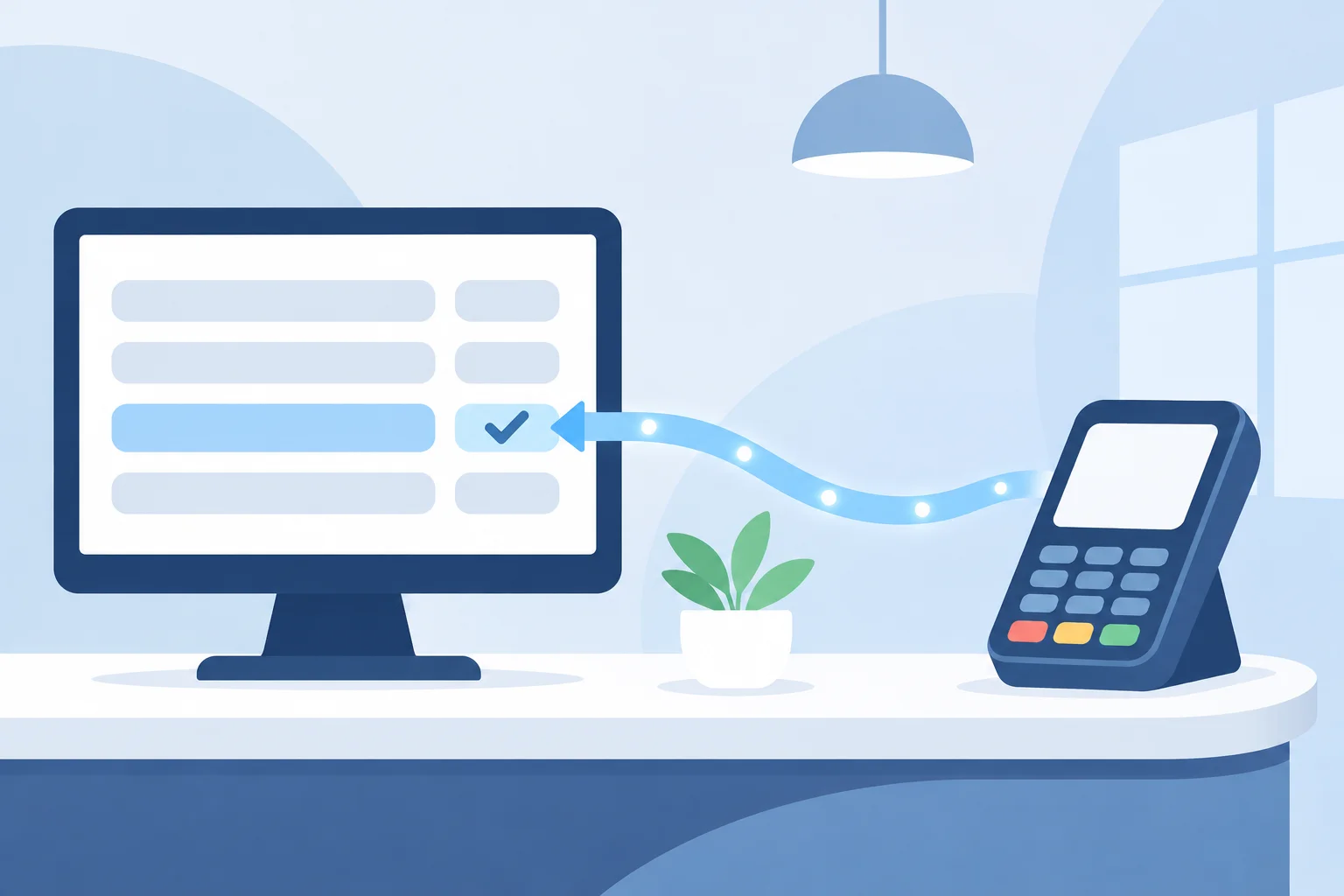
Practice Management Software Payments: What "Integrated" Should Mean at Your Front Desk
Integrated practice management software payments should send the amount to the terminal and post the payment back to the ledger with no retyping. Here is what to check and what to ask before you sign.
By Aniya Ryan, Strategic Lead / Future President
Leads strategy and partner relationships at Blueswipe.
If you run the front desk or the business side of a dental, medical or veterinary office, you have probably heard every processor promise an "integrated" setup with your practice management software. Practice management software payments are integrated when two things happen without anyone retyping a number: the amount due travels from the patient's ledger to the card terminal, and the finished payment posts back to that same ledger. Everything else is a nice extra. This guide explains what to look for, how integrated and standalone setups compare, and the questions worth asking before you sign anything.
What "integrated" should mean in practice
A good integration is one your team barely notices. The patient checks out, the right amount appears on the terminal, the card is tapped or inserted, and the payment lands on the correct account in your software. In an integrated setup the system sends the invoice amount to the terminal and records the payment in your software automatically, as this veterinary software guide to integrated versus non-integrated processing describes.
When you evaluate a setup, look for these behaviors at your own front desk, not just on a feature list:
- The amount due is sent from the patient or client ledger to the terminal, so nobody keys it in by hand.
- The approved payment posts back to the right patient or responsible party automatically.
- Cards can be stored on file securely for future balances, without staff writing card numbers down.
- Payment plan installments and payment links sent by text or email are recorded in the same place as in-office payments.
- Your end-of-day payment totals in the software match the processor's daily batch.
Integrated vs standalone card terminals
A standalone terminal is not connected to your software. It can take cards perfectly well, but someone still has to enter each payment into the practice management system. As CardFellow's guide to practice management software and card processing puts it, with non-integrated processing "the payments will not automatically post to the patient's file" in your practice management system. The IDEXX guide makes a similar point: a standalone setup leaves you with two sets of receipts to review, while an integrated one leaves one set of numbers.
That double entry is where small mistakes tend to start: a payment posted to the wrong family member, a typo in the amount, or a batch total that does not match the software at close. We walk through a calm daily reconciliation routine in our post on dental payment management from estimate to final balance, and most of those steps get shorter when payments post back on their own.
Standalone terminals can still make sense for a very small office with simple checkouts. The question is whether your team's time and your error rate justify the change, not whether integration is fashionable.
Questions to ask before you sign
These questions work whether you are talking to your software vendor, your current processor or a new one. Ask for the answers in writing.
- Which processors does our practice management software allow for integrated payments? CardFellow notes that many popular practice management systems restrict your choice of processor for integrated processing, so confirm this first.
- What exactly posts back, and where? Ask whether payments land on the patient ledger, the responsible party's account or a separate payments screen your team has to reconcile.
- Do refunds, voids, stored-card charges and payment plan installments post back too, or only payments taken at the counter?
- Can we keep the terminals we already have, or does the integration require new hardware? If new hardware is needed, ask for the cost upfront.
- Who do we call when a payment does not post? Get a named contact for the payment side and know who handles questions about the software screens.
- What does the integrated setup cost in total? CardFellow observes that integrated rates are typically higher, so compare the full monthly cost, including any software or integration fees, not just the headline rate.
- Where does card data live? Card numbers should be tokenized rather than stored in your software, which keeps more of your office out of PCI scope.
If you want to know where fees usually hide in the paperwork, our guide to hidden credit card processing fees covers the fee schedule, the agreement and equipment terms. For the security side, our post on PCI compliance for dental offices explains what your front desk actually has to do, and much of it carries over to medical and veterinary offices.
Signs your current setup is not really integrated
- Staff type the amount into the terminal after reading it off the screen.
- Someone enters card payments into the software at the end of the day from terminal receipts.
- Text or email payments arrive in a separate portal and are posted by hand.
- Daily totals in the software and the processor's batch often disagree, and finding the difference takes more than a few minutes.
None of these is an emergency. They are simply signs that the connection between your software and your processor is doing less than it could, and they are worth raising in your next conversation with either vendor.
What your front desk gets with Blueswipe
Your team takes the payment once and it posts straight back to your practice management system, with no manual reconciliation at close. With our healthcare payment processing, we integrate with the leading practice management and billing platforms, so in most cases there is no double entry. Your terminals, payment plans and integration are set up around how your office already runs.
- Store cards on file, bill the responsible party and keep household balances tidy.
- Send a secure link by text or email so patients can pay a balance in a couple of taps.
- Split larger balances into automatic installments.
- Keep card data out of your systems, because every Blueswipe solution is PCI Level 1, with tokenization and point-to-point encryption.
- See money in your operating account the next business day with next-day funding.
You often keep the terminals you already use, since we work with most modern terminals and 175+ POS and cart integrations. Most practices are live in around two weeks. We handle the setup, train your team in one short session and stay on call after you go live.
If you are not sure what your current setup costs, start with your statement. Send us last month's statement, or just your monthly volume and average ticket, and we will email you a private, line-by-line breakdown comparing your current processor with our pricing models. It is free and there is no obligation.
Common questions.
Will it connect to our practice-management system?
In most cases, yes. We integrate with the leading practice management and billing platforms so payments post back automatically with no double entry.
Do I have to switch hardware?
Usually not. We work with most modern terminals and 175+ POS and cart integrations, so you often keep what you already use. Any hardware you need is quoted upfront.
How long does switching take?
Most practices are live in around two weeks. We handle the setup, train your team in one short session and stay on call after you go live.
Are you PCI compliant for patient payments?
Yes. Every Blueswipe solution is PCI Level 1, with tokenization and point-to-point encryption so card data stays out of your systems and your scope stays small.